
April 7, 2026
Transcript keyboard shortcuts (J / K / Enter): edit faster with less friction
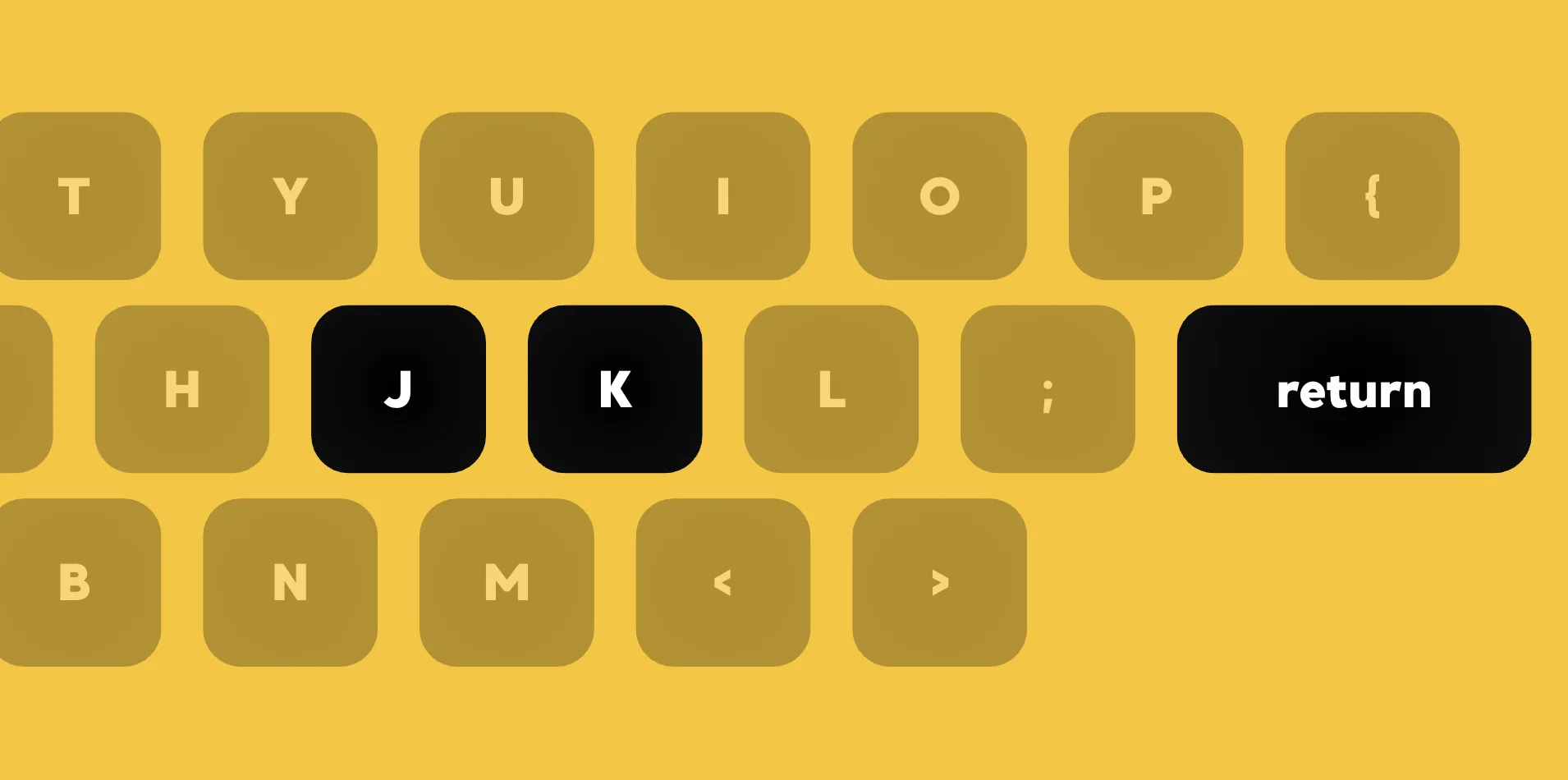
In voice notes with transcripts, you often jump between segments to fix wording or boundaries. Doing that only with the mouse—finding the row, clicking, correcting—adds friction and breaks the rhythm of listen-and-fix. J, K, and Enter are shortcuts for transcript view so you can move and open edits quickly, without leaving the home row more than necessary.
K moves to the previous segment relative to the current playhead, and J moves to the next. The player seeks to that segment and scrolls it into view when needed, so you can walk the transcript in order while you listen. The layout follows the familiar J down / K up pattern used in many editors and video tools.
If the playhead sits in a gap between segments, J jumps to the next segment that starts after the current time, and K jumps to the previous segment that started before it—so you are never stuck choosing a row from “nowhere.” Enter opens edit for the segment that contains the current playhead, once you have navigated to the line you want to change.
These shortcuts are disabled while you are editing a title, while another segment editor is open, during recording, or in secret mode—so stray keypresses are less likely to cause surprises. The point is to stay on the keyboard for the move → listen → fix loop.
In short: J / K to move between segments, Enter to edit the active one—plus Space for play/pause in the same flow. Switch to transcript view, try J and K to walk the lines, then Enter on the segment you want to fix.